

Phone
+86 13230709299
English
English
Online



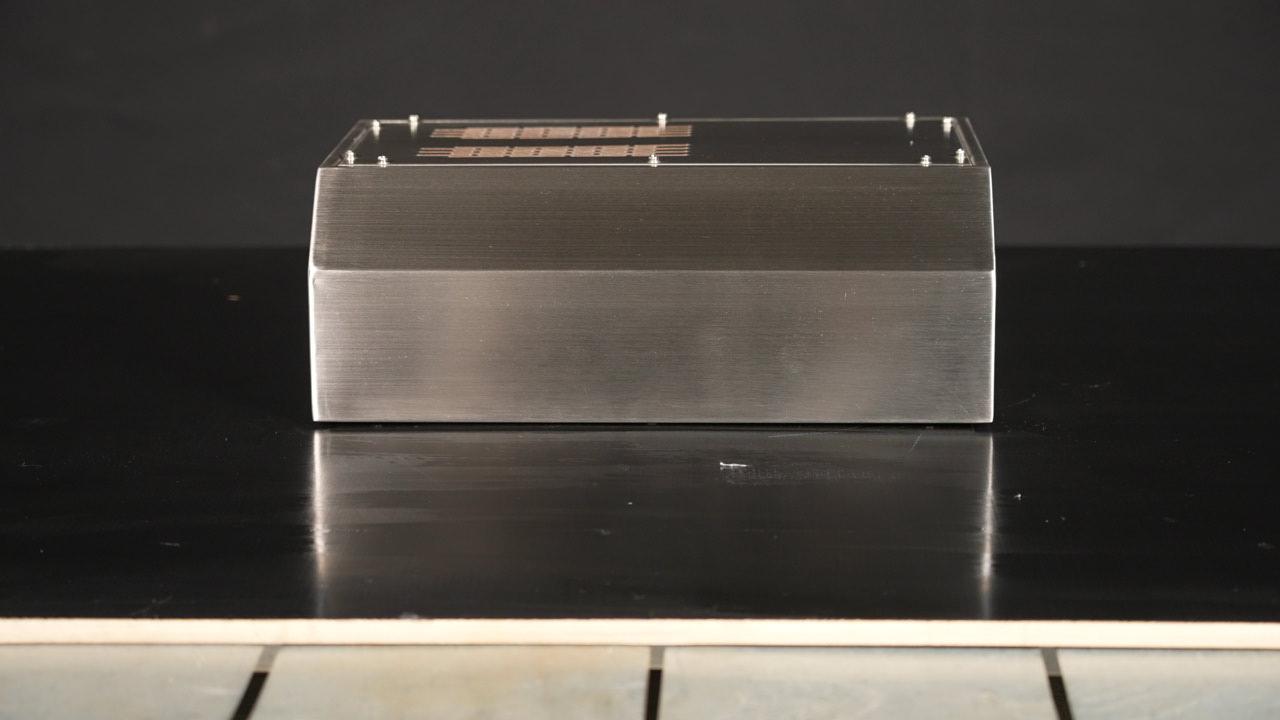
Heavy-Duty Desktop Console Operator Enclosure
Detailed Specifications
|
Configuration |
Heavy-duty desktop console design |
|
Interior Space |
Optimized internal layout integrating controls and display |
|
Mechanical Strength |
High impact resistance and anti-deformation capability |
|
Cable Management |
Bottom and rear cable entries with anti-cut edges |
|
Surface Finish |
Wear- and scratch-resistant industrial powder coating |
Process

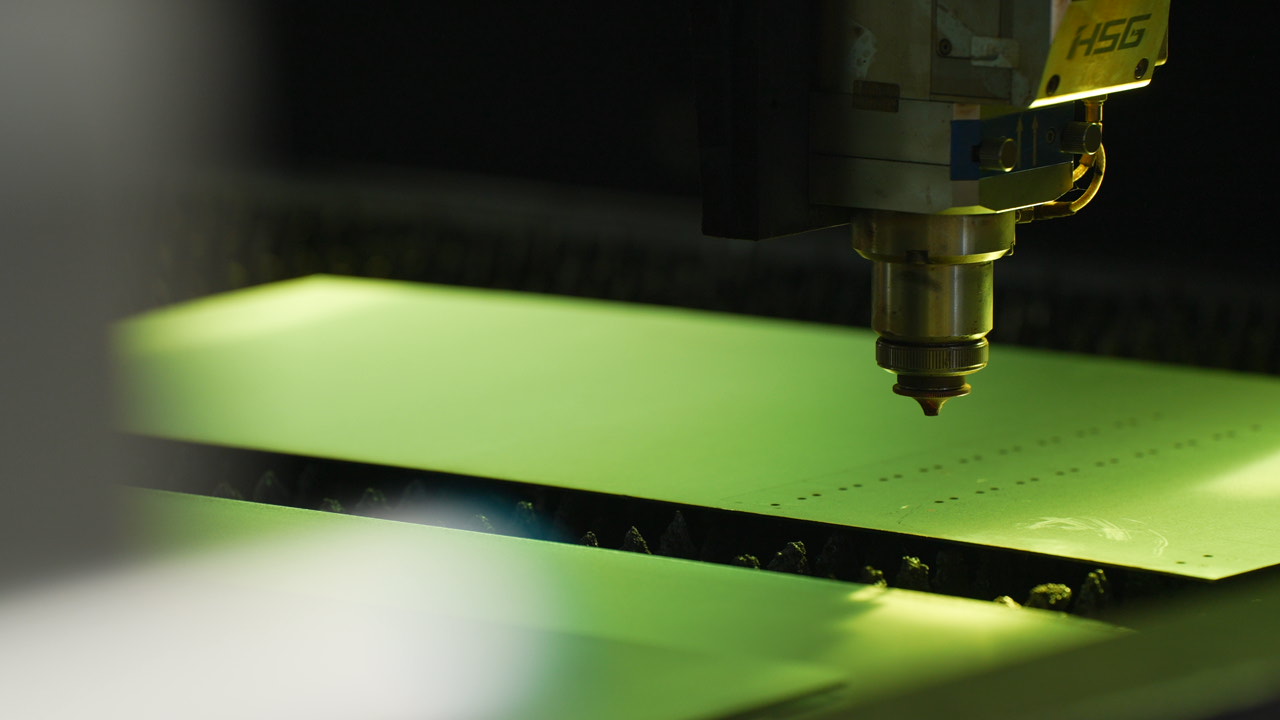
Laser Cutting
Dedicated nitrogen cutting ensures zero oxidation layer on every workpiece.

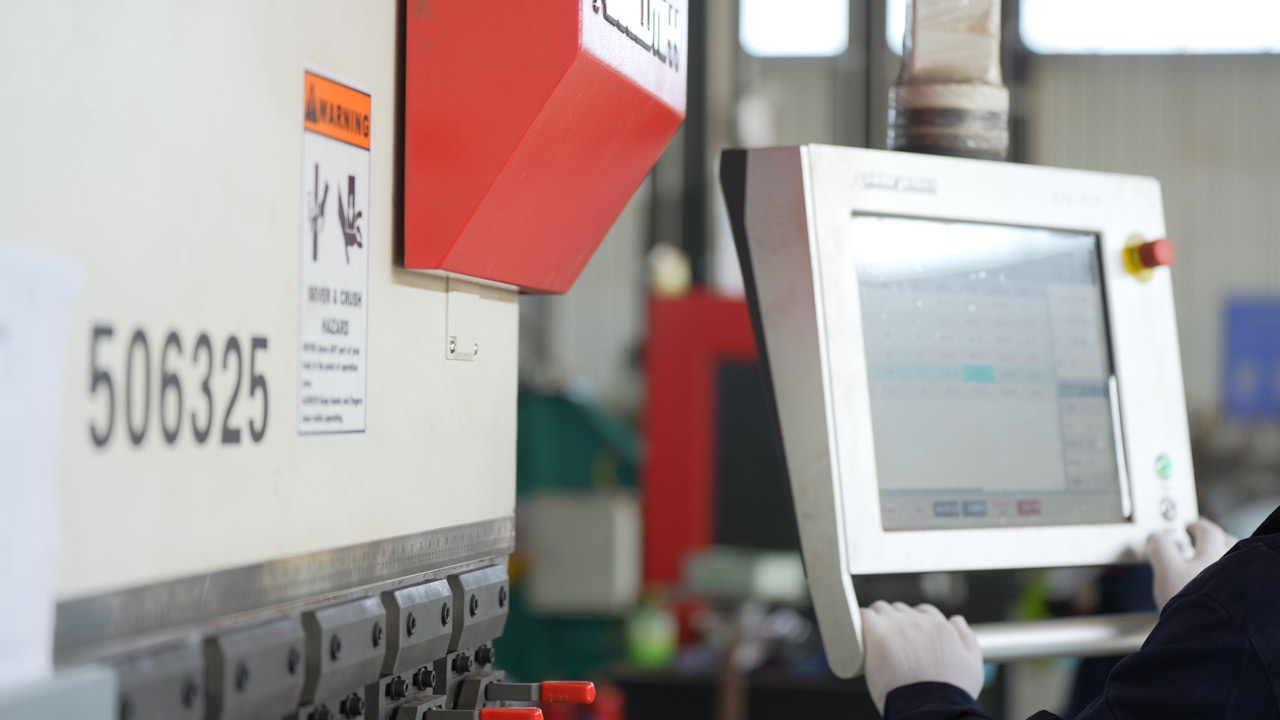
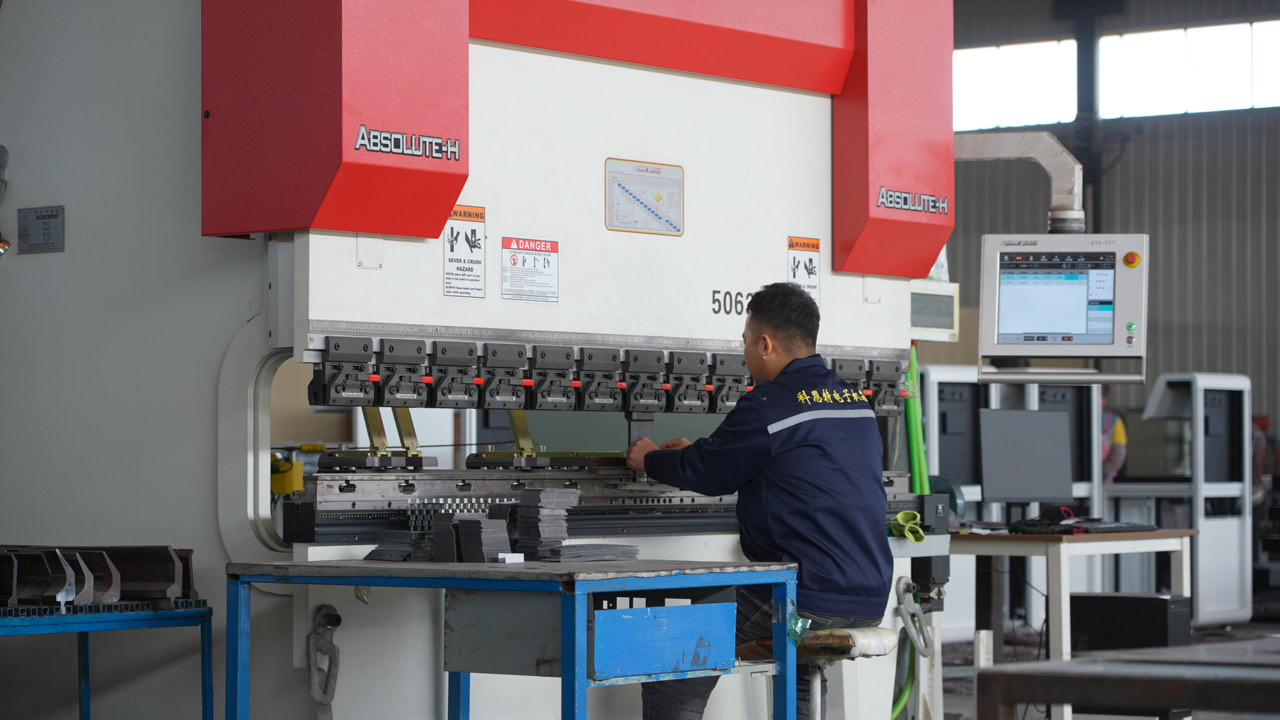
CNC Bending
Advanced equipment guarantees precision at every step.

Automated Welding
Standardized welding robots deliver 10x manual efficiency with higher, more stable quality.

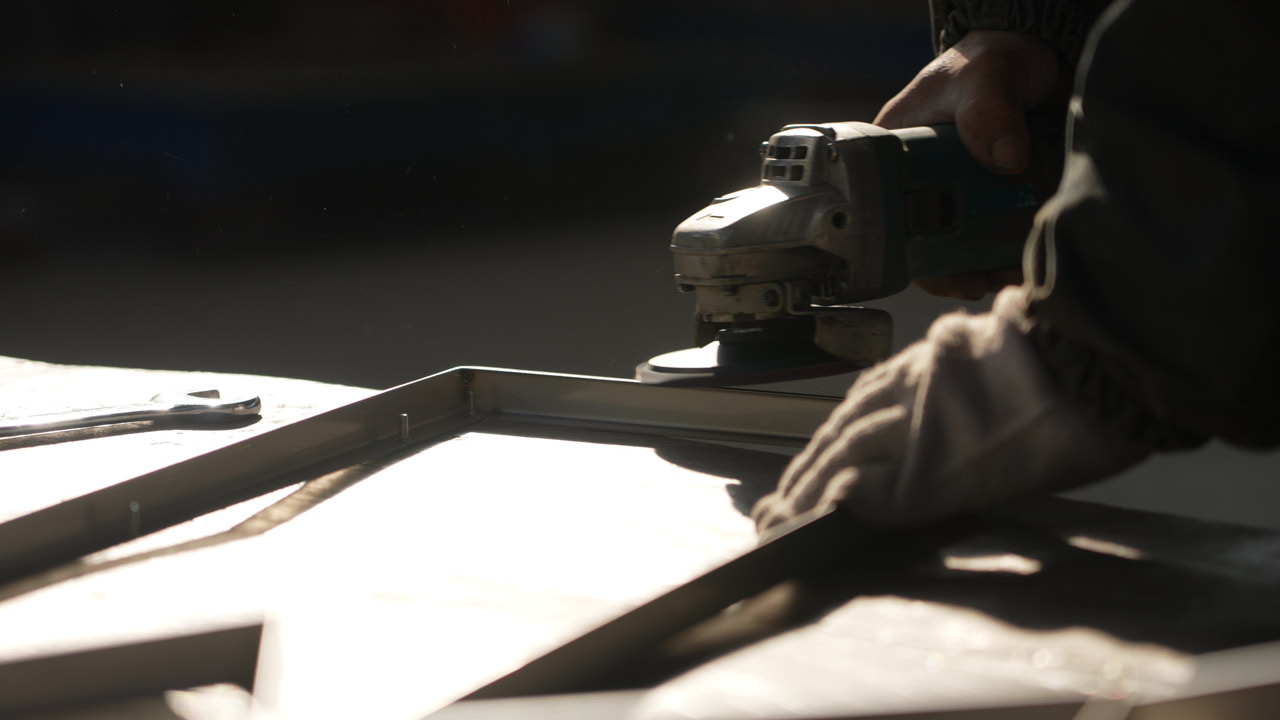
Surface Finishing
Options include as-machined, coating, surface treatment, heat treatment, and custom finishes.

Custom Logo
Customer-supplied logos can be printed directly on product surfaces.
Learn More
F.A.Q
01
What information is needed to customize an operator console enclosure?
Provide monitor size, device count, panel layout, operating height, tilt angle, cutout locations, keyboard space, mounting method, cable entries, target IP rating, material, and order quantity. For 24-inch consoles, specify whether 24" refers to the monitor or interface size.
02
What devices suit mini monitor mounting arm consoles?
They suit compact monitors, small control panels, or lightweight HMI devices. Monitor weight, arm size, swivel range, mounting method, cable routing, and clearance must be verified.
03
What is the difference between modular steel and custom metal consoles?
Modular steel consoles facilitate combination, partitioning, and expansion. Custom metal consoles provide tailored designs matching device dimensions, panel structures, and site constraints. Materials, thickness, and connections require confirmation.
04
Can operator consoles be customized for monitors, buttons, and ports?
Yes. Cutouts and layouts can be customized for monitors, touchscreens, pushbuttons, pilot lights, E-stops, keyboards, mice, USB, and comm ports according to equipment spec sheets.
05
What do Type 12 consoles and AW-9 operator boxes signify?
"Type 12" and "AW-9" refer to models, structural codes, or series names. Dimensions, panel layouts, and mounting spaces require product data verification. Providing overall dimensions, monitor space, port counts, and mounting methods is recommended.
06
What is the difference between IP55 one-piece and IP54 desktop consoles?
IP55 one-piece enclosures integrate the cabinet, operating panel, interior space, sealing, and cable entry. IP54 desktop consoles prioritize tabletop mounting, panel operation, and equipment maintenance. Specific protection depends on design and testing.
07
What equipment are operator console enclosures primarily used for?
They house monitors, industrial PCs, control pushbuttons, indicator lights, keyboards, mice, communication ports, controllers, and other HMI devices. Equipment count, dimensions, and mounting styles depend on project specifications.
08
What products are included in the operator console enclosure series?
The series includes IP55 one-piece operator console enclosures, Type 12 consoles and AW-9 operator boxes, custom metal console operator enclosures, modular steel industrial console operator enclosures, heavy-duty desktop console operator enclosures, IP54 desktop console operator enclosures, mini monitor mounting arm console operator enclosures, and 24-inch interface console operator enclosures.
Why Trust KNT
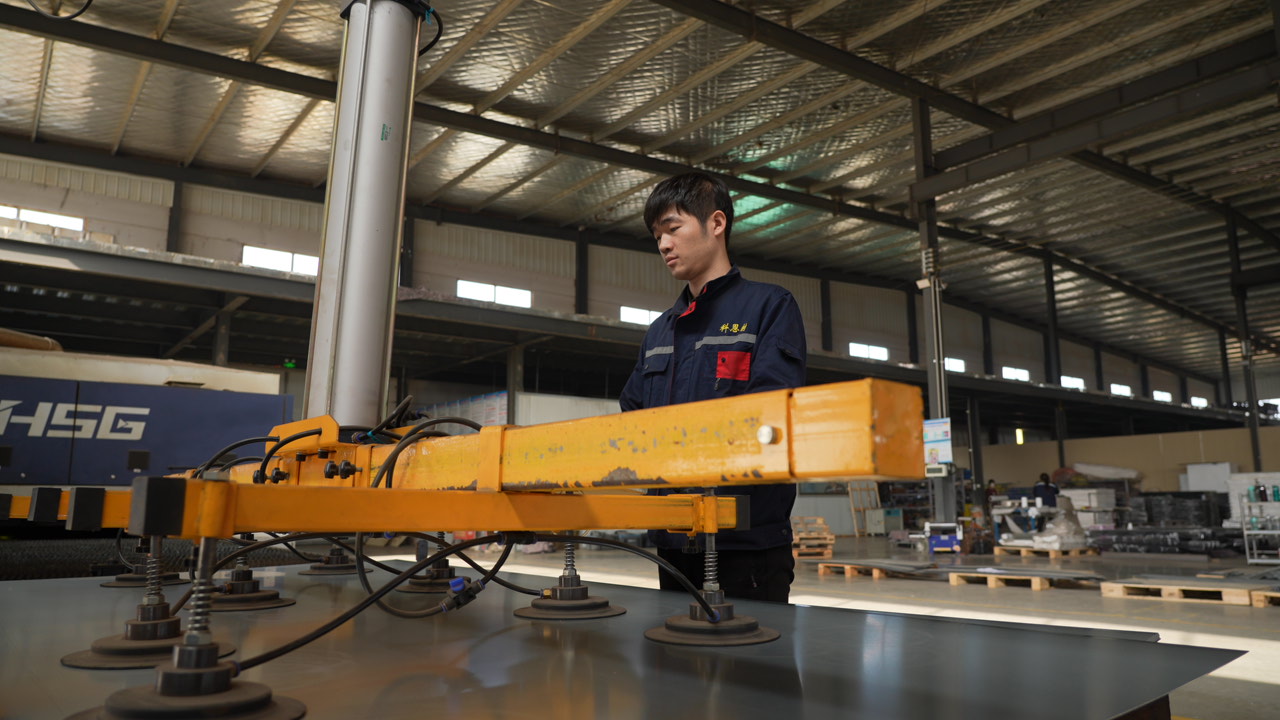
Our sheet metal fabrication services benefit numerous industries, businesses, and projects. Here are our key advantages.
One-Stop Precision Manufacturing
High Precision · Multiple Materials
Custom Expertise · Quality Assurance
Request a Quick Quote
Contact us and seewhat we can do for you.
Contact UsContact Us
.png)